
The Real Cost of Keeping Old PCs One More Year
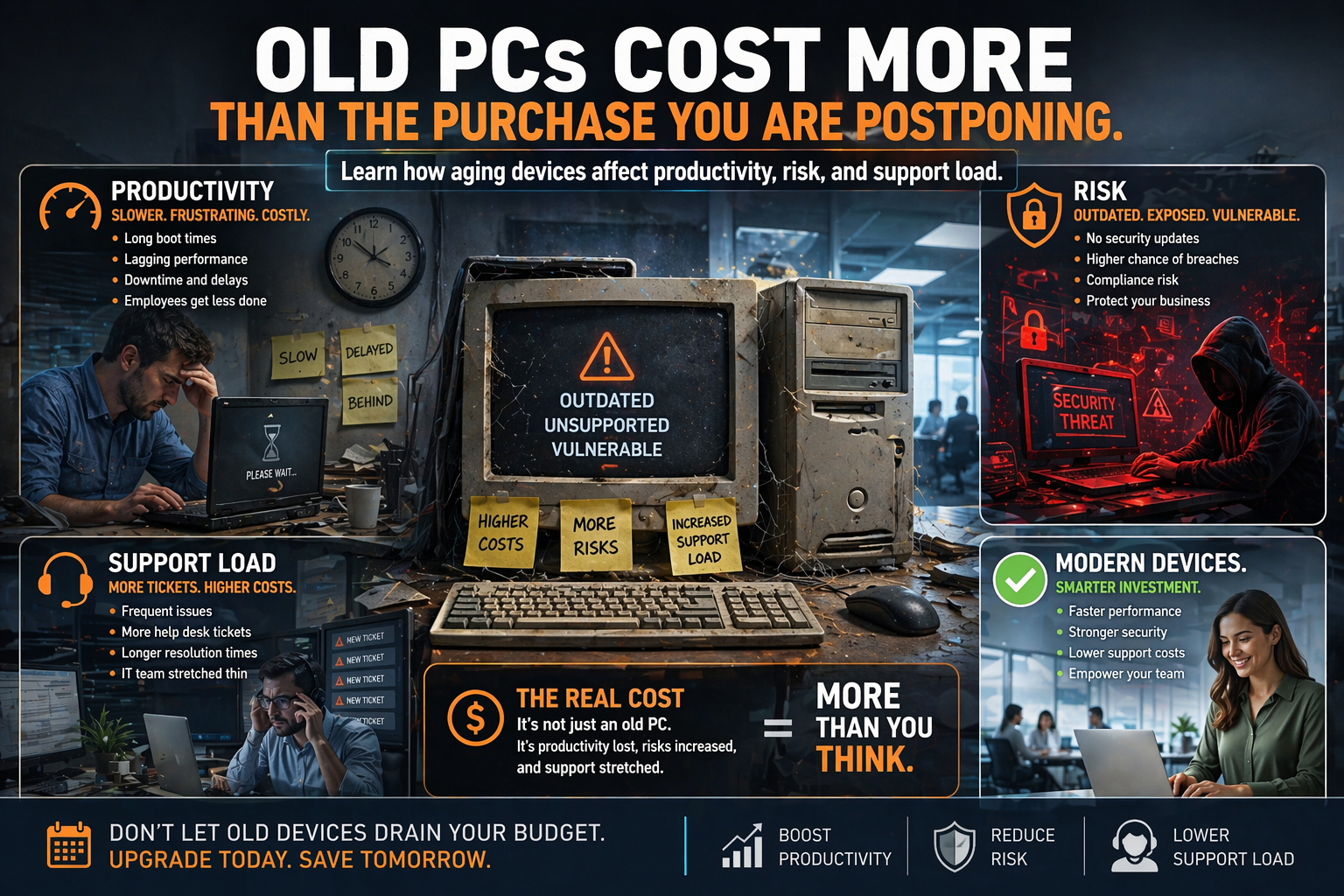
Every business knows the feeling.
A few computers are getting slow. Staff have started making comments. Logins take longer. Updates feel heavier. Applications hesitate before opening like they need a motivational speech. But replacing devices costs money, so the natural instinct is to squeeze another year out of them.
Sometimes that is reasonable.
Sometimes it is a false economy wearing a sensible haircut.
The cost of old PCs is rarely just “the computer still works.” The real cost shows up in lost time, support noise, compatibility trouble, user frustration, and security risk.
The First Cost Is Time
Aging hardware usually does not fail all at once. It leaks productivity in small amounts.
A machine that boots slowly, drags during browser-heavy work, struggles with video calls, or stalls during updates may only waste a few minutes at a time. But multiply that by employees, days, and months, and the loss adds up fast.
That time rarely appears as a clean line item. It shows up as:
Slower starts to the day
Interrupted concentration
Delayed file access
Awkward meetings
More “it’s acting weird again” moments
Business owners often notice replacement cost more clearly than time loss because one is a receipt and the other is a fog.
Old Devices Create More Support Drag
Older computers need more attention. That attention has a cost even when it stays below the emergency threshold.
Common examples include:
Failed or sluggish updates
Battery decline on laptops
Storage limitations
compatibility issues with newer apps
browser instability
peripheral trouble with docks, printers, and displays
A device does not need to completely die to become expensive. If it keeps generating support tickets, workarounds, and staff irritation, it is already charging rent.
Security and Compliance Get Harder
As hardware ages, so do the assumptions around it.
You may run into:
Operating system limitations
Reduced support for newer security features
Unreliable patch behavior
Performance strain from modern endpoint protection
Inconsistent encryption or device management support
Security tools are not getting lighter. Business software is not getting simpler. The older the machine, the more likely it is to struggle under modern expectations.
Compatibility Problems Spread Quietly
Aging PCs create friction with:
Cloud collaboration platforms
Modern browsers
Conferencing tools
Heavier document workflows
Line-of-business applications
New accessories and docks
This matters especially when your team is hybrid, mobile, or dependent on shared cloud tools. One stubborn old device can hold up workflows well beyond the desk where it sits.
Users Feel the Difference Before Managers Approve the Budget
Employees usually notice hardware decline long before leadership does. They know which computers take forever. They know which laptops have battery drama. They know which machines should not be touched before an important presentation.
When hardware becomes a reliability joke, morale takes a small hit too. People feel like they are trying to do professional work with equipment that is quietly fighting them.
That matters more than many companies realize.
A Better Replacement Question
Instead of asking, “Can we make this last one more year?” ask:
What is this device costing in lost time?
Is it still dependable enough for the role?
Does it support the tools and security controls we need?
Would a replacement improve output enough to justify the spend?
Are we replacing reactively or according to a plan?
That last question is the hinge.
Businesses that replace devices intentionally usually spend more predictably and suffer fewer disruptions than businesses that wait until hardware failure forces a scramble.
Not Every Device Needs the Same Lifecycle
A front-desk workstation, an executive laptop, a warehouse device, and a conference room PC do not all age the same way.
Replacement planning should consider:
Role requirements
Performance expectations
Mobility needs
Software load
User importance
Security exposure
The goal is not to replace everything early. It is to avoid replacing everything late.
Procurement Works Better with Standards
When businesses standardize a few hardware profiles, procurement gets easier.
That helps with:
Support consistency
Docking compatibility
Accessory reuse
Easier imaging and deployment
Cleaner warranty tracking
More predictable budgeting
Random one-off purchasing may seem flexible, but it often creates downstream headaches that cost more than the original savings.
The Cheapest Device Is Not Always the Least Expensive Choice
Delaying replacement can be smart when the machine is still reliable, secure, and fit for the role. But once performance decline begins affecting productivity or support load, “one more year” can become the costliest year in the device’s life.
Aging hardware rarely announces itself with one dramatic finale. It tends to become a collection of annoying compromises that businesses slowly normalize.
You do not have to normalize it.
CCI helps businesses plan refresh cycles, standardize hardware decisions, and replace devices before they become operational potholes. Because the right time to swap out aging PCs is usually earlier than the moment everyone is finally fed up.
📞 Call: 615-928-2438
🌐 Visit: www.cciustn.com