
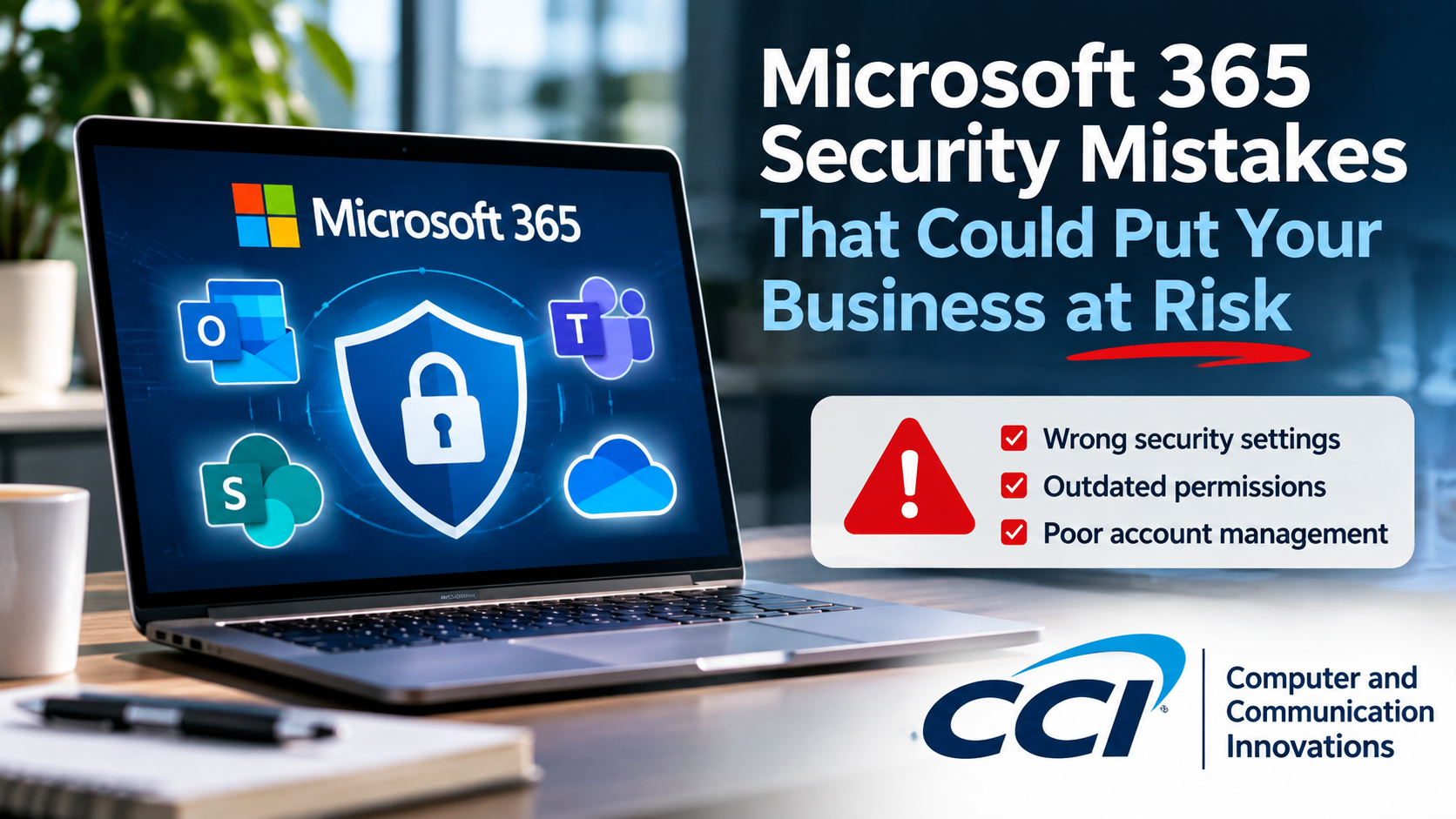
Microsoft 365 has become an essential part of daily business operations. From Outlook and Teams to SharePoint and OneDrive, employees rely on these tools to communicate, collaborate, and access important information. But simply having Microsoft 365 doesn't mean your business is fully protected. Incorrect settings, outdated permissions, and poor account management can create security vulnerabilities that go unnoticed.
1. Not Requiring Multifactor Authentication
Passwords alone are no longer enough to protect business accounts.
Multifactor authentication adds an additional verification requirement, helping prevent unauthorized access even when passwords have been stolen.
Whenever possible, businesses should consider phishing-resistant authentication methods.
2. Failing to Remove Former Employees
When an employee leaves, their account access should be reviewed and disabled according to the company's offboarding procedures.
Businesses should also review shared mailbox permissions, connected applications, active sessions, and access to company files.
An overlooked account can become an unnecessary security risk.
3. Giving Employees Too Much Access
Not every employee needs access to every SharePoint site, mailbox, or administrative setting.
Following the principle of least privilege helps ensure employees have access only to the information and systems required for their jobs.
Reviewing permissions regularly can reduce accidental exposure of sensitive information.
4. Assuming Cloud Storage Replaces Backups
OneDrive and SharePoint provide valuable file storage, synchronization, and recovery features.
However, synchronization is not the same as maintaining a complete, independent backup strategy.
Businesses should evaluate their data retention requirements, available recovery capabilities, and whether additional Microsoft 365 backup protection is appropriate.
5. Ignoring Suspicious Email Activity
Business email compromise can involve stolen credentials, fraudulent payment requests, and unauthorized mailbox changes.
Organizations should monitor suspicious sign-ins, unusual forwarding rules, and unexpected account activity.
Employees should also know how to report suspicious messages without interacting with potentially dangerous links.
6. Overlooking Security Configuration Reviews
Microsoft 365 offers numerous security settings, but their availability and configuration depend on licensing and administrative choices.
Regular reviews can help identify weak authentication policies, unnecessary permissions, and gaps in account protection.
Let CCI Review Your Microsoft 365 Environment
Computer & Communication Innovations helps businesses manage Microsoft 365 accounts, configure email and collaboration tools, troubleshoot access issues, and improve security practices.
Whether you're onboarding employees, managing permissions, or reviewing account protection, having knowledgeable IT support makes a difference.
Protect your business information before a security issue disrupts operations. Contact CCI to discuss your Microsoft 365 environment.