
7 Signs Your Office Wi-Fi Was Designed for Yesterday’s Business
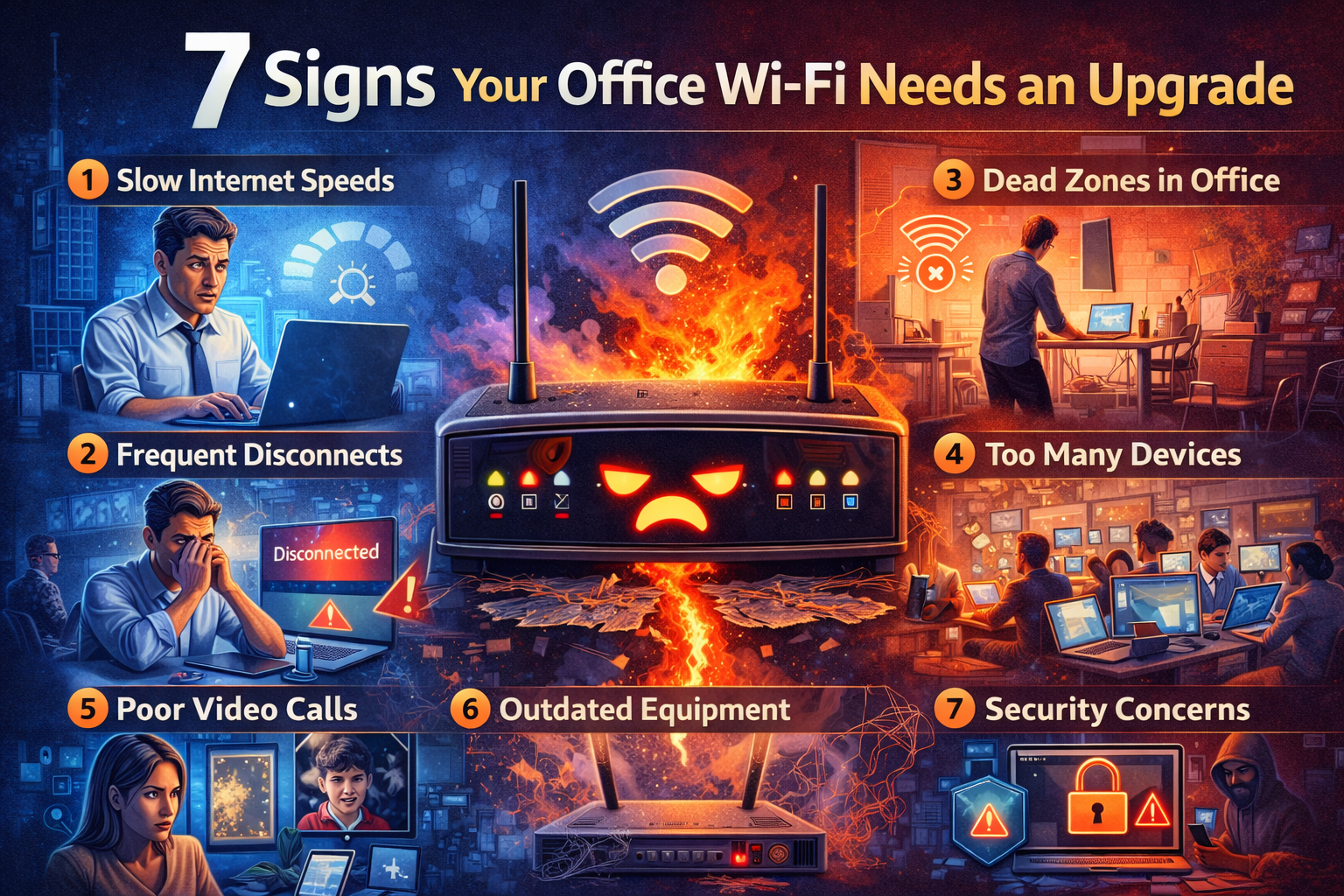
Spot the warning signs of outdated office Wi-Fi before slow speeds, dropped calls, and device overload start costing your team time.
A lot of businesses blame “the internet” when the real problem lives much closer to the ceiling.
Slow file uploads. Laggy video calls. Dead zones near conference rooms. Devices that connect but feel weirdly sluggish. These are often Wi-Fi design problems, not simply provider problems.
The office may have changed since your network was installed. You may have more staff, more mobile devices, more cloud software, more cameras, more smart TVs, more guest traffic, and more expectations packed into the same wireless environment.
If your Wi-Fi was designed for yesterday’s business, today’s workflow will keep tripping over it.
1. Your Team Knows the Dead Zones by Heart
When employees casually say things like “don’t take the call in that room” or “the back corner always drops,” your wireless network is sending smoke signals.
A healthy business Wi-Fi environment should be predictable. Small variations happen, but staff should not need tribal knowledge to know where connectivity falls apart.
Dead zones often come from poor access point placement, physical obstructions, or a floor plan that changed after the original install.
2. Video Calls Turn Into Pixel Soup
If meetings freeze, voices garble, or screen sharing drags whenever several people are online, the issue may be capacity, interference, or poor wireless coverage rather than raw internet speed.
Modern offices run on real-time traffic. Calls, chat, cloud apps, security devices, and synced storage all compete for attention. Older wireless setups may still “work,” but not well enough for how your business communicates now.
3. You Added Devices, but Not Design
Today’s office carries more wireless load than many networks were ever planned to support.
Think about what may already be on your Wi-Fi:
Laptops
Phones
Tablets
Printers
TVs and streaming devices
Door access systems
Wireless cameras
Guest devices
Smart sensors
Voice platforms
An office that once had twelve predictable devices may now have sixty opinionated little bandwidth goblins asking for service at once.
4. Guest Wi-Fi and Business Traffic Are Sharing Too Much
If visitors, vendors, or waiting-room guests are using the same wireless environment as your core business traffic, performance and security can both suffer.
A better design separates guest access from business-critical systems. That helps protect internal resources and keeps nonessential traffic from elbowing into work that actually pays the bills.
5. Your Access Points Are Old, Inconsistent, or Randomly Placed
A common story goes like this: one access point was installed years ago, a second one got added when coverage was bad, and a third arrived later because “the warehouse kept complaining.”
That is not design. That is network archaeology.
Good Wi-Fi depends on more than adding hardware. Placement, overlap, channel planning, roaming behavior, and building materials all matter. If access points are scattered without a plan, performance often becomes uneven and frustrating.
6. Your Office Layout Changed but the Network Didn’t
Walls moved. Furniture changed. Inventory shifted. More people came onsite. A large printer or metal shelving unit appeared where clean signal used to travel. Wireless performance can drift over time because the physical space changed while the network stayed frozen in its original assumptions. That is why a network that “used to be fine” can become unreliable without any single dramatic failure.
7. Nobody Can Tell You What the Wi-Fi Is Actually Doing
If there is no visibility into device counts, congestion, utilization, access point health, or coverage quality, troubleshooting becomes a guessing contest with expensive consequences.
The businesses with the smoothest networks are rarely the ones with magic hardware. They are the ones with visibility, design discipline, and a willingness to fix root causes instead of repeatedly blaming the ISP.
What Better Business Wi-Fi Looks Like
Upgrading Wi-Fi is not just about speed. It is about designing around how your people actually work.
That usually means:
Coverage based on the real floor plan
Properly placed access points
Room for current and future device density
Separate guest and business networks
Secure wireless configuration
Clean handoff between access points
Monitoring and visibility after deployment
If you also use cloud phones, cameras, door access, or remote collaboration tools, your wireless network is not a convenience layer anymore. It is part of your operations stack.
Should You Upgrade or Reconfigure?
Sometimes the answer is new hardware. Sometimes it is smarter placement, cleaner segmentation, updated settings, or a proper site survey. Sometimes it is all of the above.
The key is not guessing.
Before spending money, get clear on whether the problem is internet service, Wi-Fi design, device density, cabling, switching, or simple configuration drift. Those issues often look similar from the user side but require different fixes.
Wi-Fi Should Fade into the Background
The best office Wi-Fi is almost boring. People connect, work, move through the building, join meetings, and forget the network exists.
If your Wi-Fi keeps demanding attention, that is the network waving a tiny white flag.
CCI helps businesses assess coverage, simplify wireless design, and build networks that support real workflows instead of fighting them. Because your team should be able to focus on the work, not on where the signal is strongest today.
📞 Call: 615-928-2438
🌐 Visit: www.cciustn.com