
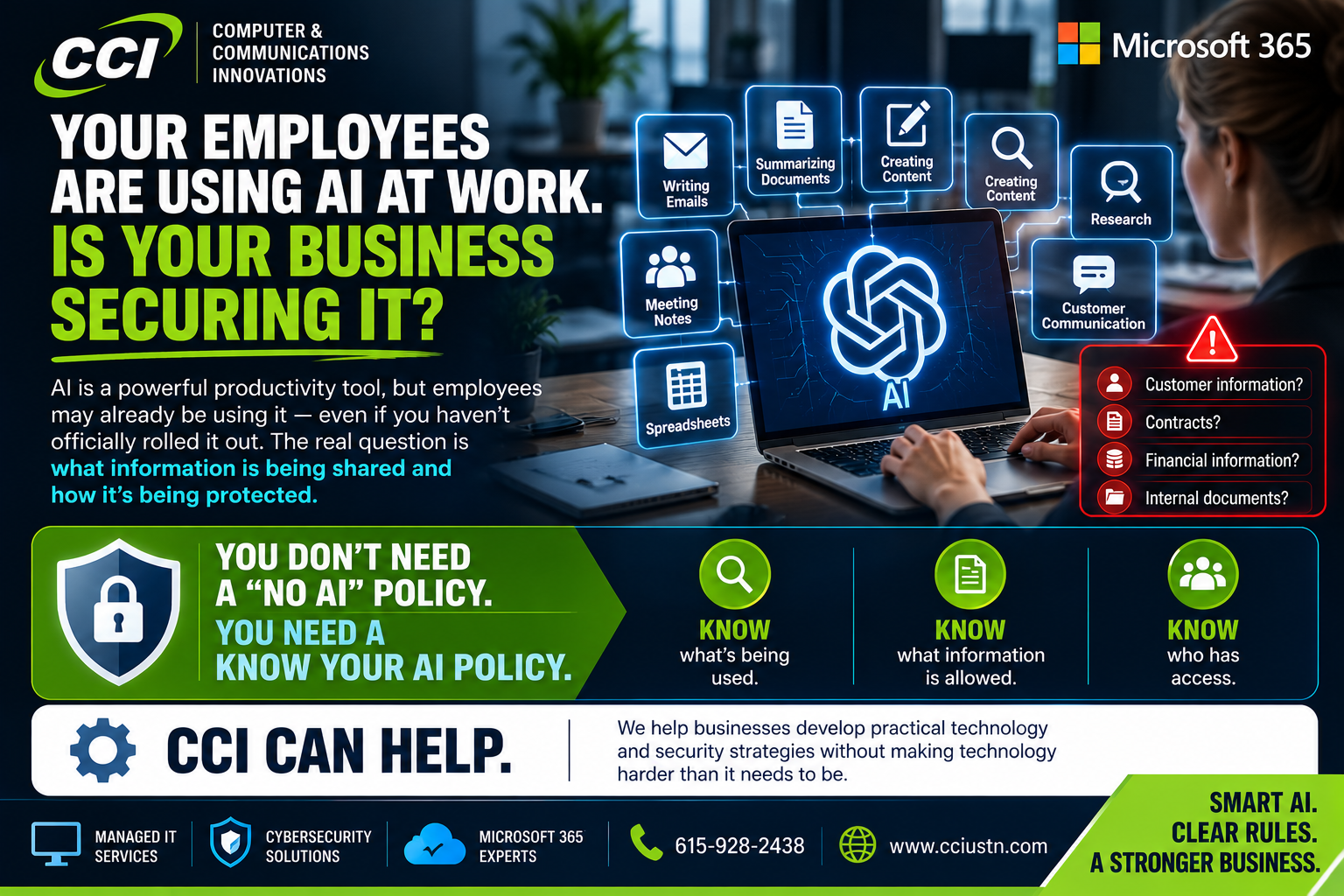
Your Employees Are Using AI at Work. Is Your Business Securing It?
AI has officially moved beyond the "cool new toy" stage.
Employees are using it to write emails.
Summarize documents.
Research customers.
Create proposals.
Analyze information.
Write code.
Take meeting notes.
Automate repetitive work.
And increasingly, AI agents can perform tasks and interact with other systems rather than simply answering a question.
Microsoft's September 2026 security update specifically calls attention to AI agents operating across employee devices, cloud environments, and developer workflows — and the need for organizations to discover those agents, control what they can access, and apply security controls to their activity. Microsoft
For a business owner, that creates a new question:
Do you actually know how AI is being used inside your company?
The Problem Isn't Necessarily AI
AI can be incredibly useful.
The problem is uncontrolled AI.
Imagine an employee discovers a free AI tool that makes their job easier.
Great.
Then they paste a customer spreadsheet into it.
Not so great.
Or upload an internal contract.
Or paste employee information.
Or connect an AI application to company email without understanding what permissions it is requesting.
Nobody was trying to create a cybersecurity problem.
They were trying to get their job done faster.
And that is exactly why businesses need an AI policy.
"We Don't Use AI."
Are you sure?
This is becoming the new version of:
"We don't use cloud services."
Your company might not have officially purchased an AI platform, but individual employees may already be using AI tools on their own.
That phenomenon is sometimes called Shadow AI — AI tools being used without formal approval or visibility from the organization.
Banning everything usually isn't the most practical solution.
Understanding it is.
What Should Business Owners Do?
Start simple.
Step 1: Ask What Your Employees Are Using
You cannot protect something you don't know exists.
Find out which AI tools employees currently use for work.
Do not make the conversation punitive.
You want honest answers.
Step 2: Decide What Information Is Off-Limits
Employees need clear rules.
For example, should they ever enter:
Customer information?
Passwords?
Financial information?
Employee records?
Confidential contracts?
Proprietary company information?
"Be careful with AI" is not a policy.
Tell people what they can and cannot do.
Step 3: Approve Business AI Tools
Instead of having ten employees independently choose ten different AI platforms, evaluate which tools are appropriate for company use.
Consider security, account management, permissions, data handling, and business requirements.
Step 4: Secure the Accounts
AI security still comes back to basic cybersecurity.
Use company-managed accounts where appropriate.
Require strong authentication.
Control permissions.
Remove access when employees leave.
Review third-party applications connected to company systems.
Step 5: Train Your Employees
Most employees are not trying to expose company information.
They simply may not know where the boundaries are.
A 20-minute conversation about safe AI use could prevent a much bigger problem later.
Step 6: Keep Humans in the Loop
AI can make mistakes.
It can misunderstand instructions.
It can generate inaccurate information.
And automation can magnify a mistake very quickly.
Important business decisions should still have appropriate human review.
AI Isn't Going Away
Businesses went through this same cycle with:
Email.
Cloud computing.
Remote work.
Smartphones.
Software-as-a-Service.
Every major technology shift creates incredible opportunities — and new things businesses have to protect.
AI is simply the newest chapter.
The answer is not necessarily to fear it.
The answer is to manage it.
Where an MSP Fits
A modern MSP is no longer just the company you call because the printer stopped working.
Technology now touches nearly every part of a business.
Cybersecurity.
Microsoft 365.
Identity.
Devices.
Cloud applications.
Backups.
Remote work.
And now AI.
CCI can help businesses look at the bigger picture and build practical technology policies that allow employees to work efficiently without ignoring security.
And because much of modern IT is cloud-based, your business does not need to be located next door to CCI to work with us.
Remote management and support allow CCI to assist businesses well beyond our immediate area.
Final Thoughts
AI can help a small business accomplish more. But "everyone download whatever AI tool they want" is not an AI strategy.
Know what is being used.
Decide what data is protected.
Choose appropriate tools.
Control access.
Train your people.
And keep reviewing the plan as technology changes.
Because AI is moving quickly.
Your security strategy needs to keep up. Need help making sense of it? Learn more at Computer & Communication Innovations