
Critical PHP Vulnerabilities: What Business Owners Need to Check Today
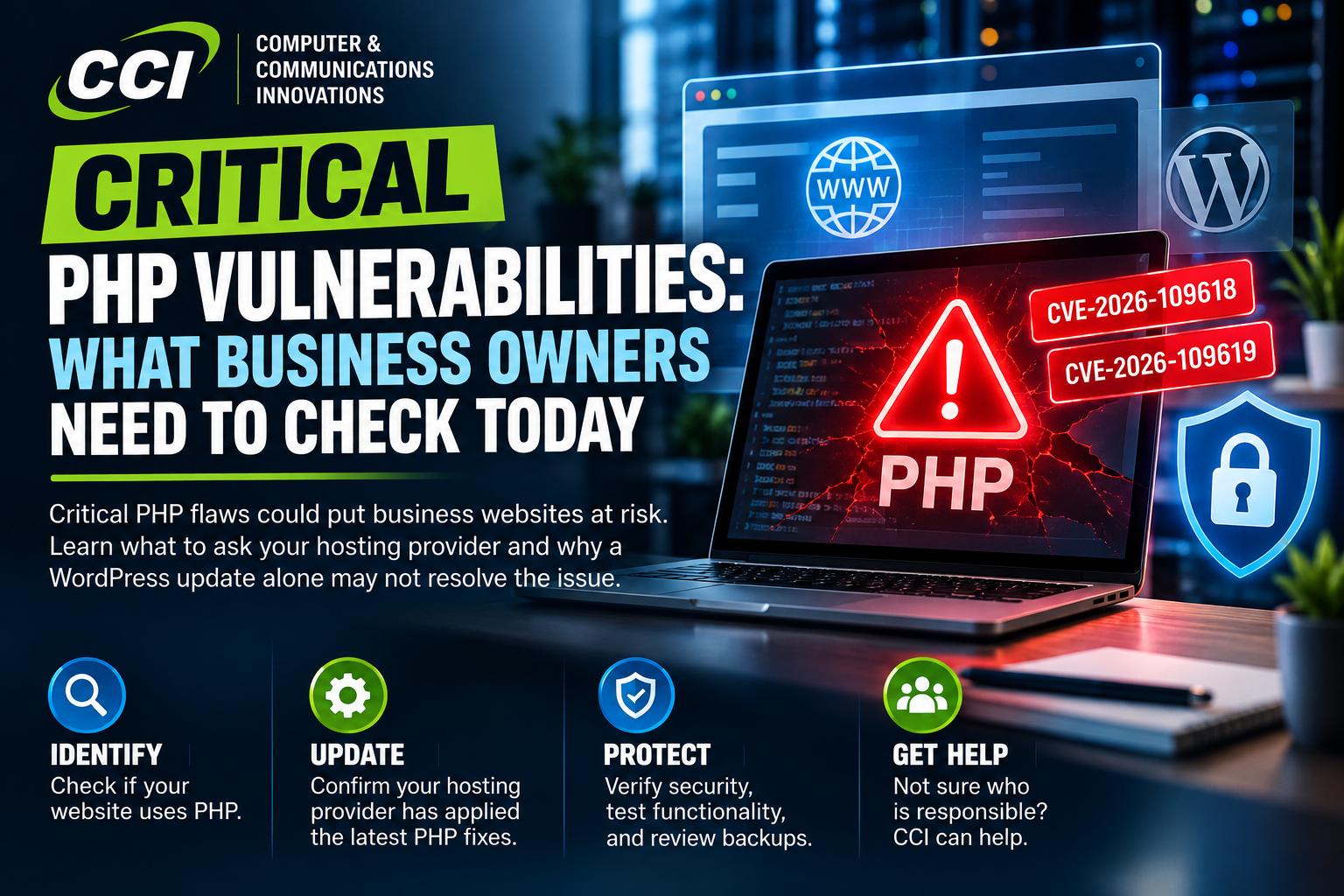
Your website may look normal and still need an urgent security update.
On October 21, the PHP project released fixes for two critical vulnerabilities: CVE-2026-109618 and CVE-2026-109619, commonly called PHP2Shell. These flaws can let an attacker run code on a vulnerable web server without signing in. [1]
For a business, that could mean disrupted service, altered website content, or exposure of information accessible to the compromised server. An affected installation does not automatically mean a breach has occurred, but it does require prompt attention.
What if CCI hosts your website?
If your website is currently hosted with CCI on Squarespace, these PHP vulnerabilities do not affect your CCI-hosted website because it does not use PHP. No action is needed for that website in response to this alert. Any separately hosted websites, customer portals, or other applications should still be checked with their provider.
What is PHP, and why should you care?
PHP is software that runs behind the scenes on many websites and web applications. If you do not know whether your business uses it, ask your website developer or hosting provider to check. Include customer portals and older web applications in that request.
Updating WordPress alone may not resolve this
Your website software and the PHP runtime underneath it are separate update responsibilities. A dashboard showing that WordPress and its plugins are current does not establish that the server's PHP installation has received these fixes. Ask the provider responsible for the server to verify its patch status.
What should your business do today?
1. Identify the owner. Confirm who maintains the hosting environment and who can authorize urgent updates.
2. Request written confirmation. Ask: “Have you applied fixes for CVE-2026-109618 and CVE-2026-109619 to every PHP environment serving our websites and applications?”
3. Verify the fix. PHP released versions 8.2.35, 8.3.36, 8.4.27, and 8.5.12. Some vendors supply equivalent backported fixes, so request confirmation for the actual package in use. [1]
4. Check recovery and functionality. Confirm that a recent backup is available, then test contact forms, logins, and other important workflows after the update.
5. Escalate anything that cannot be patched. CERT-EU recommends considering isolation of affected internet-facing applications until fixes are applied and verified. Coordinate that decision with your technical provider. [2]
Does a website firewall solve this?
Do not treat a firewall rule or configuration workaround as proof that the issue is resolved. PHP states that only an update provides a complete fix. [1]
If there are signs of compromise, patching should be accompanied by an incident investigation. Applying a fix does not establish whether an earlier intrusion occurred.
Not sure who is responsible?
Start with your website address and the name of your hosting provider. Ask CCI for help determining the appropriate next step and coordinating with the responsible provider.
If your website is hosted with CCI, you don't need to worry as this doesn't affect you
〰️
If your website is hosted with CCI, you don't need to worry as this doesn't affect you 〰️

support@cciustn.com | (615) 928-2438 | https://cciustn.com
Sources:
[1] PHP security advisory and release information: https://www.php.net/
[2] CERT-EU Security Advisory 2026-018: https://cert.europa.eu/publications/security-advisories/2026-018/
Information checked October 22, 2026.