
Microsoft Is Retiring SMS & Voice MFA: What Businesses Need to Know About Passkeys
Cybersecurity is one of those things many small businesses push off.
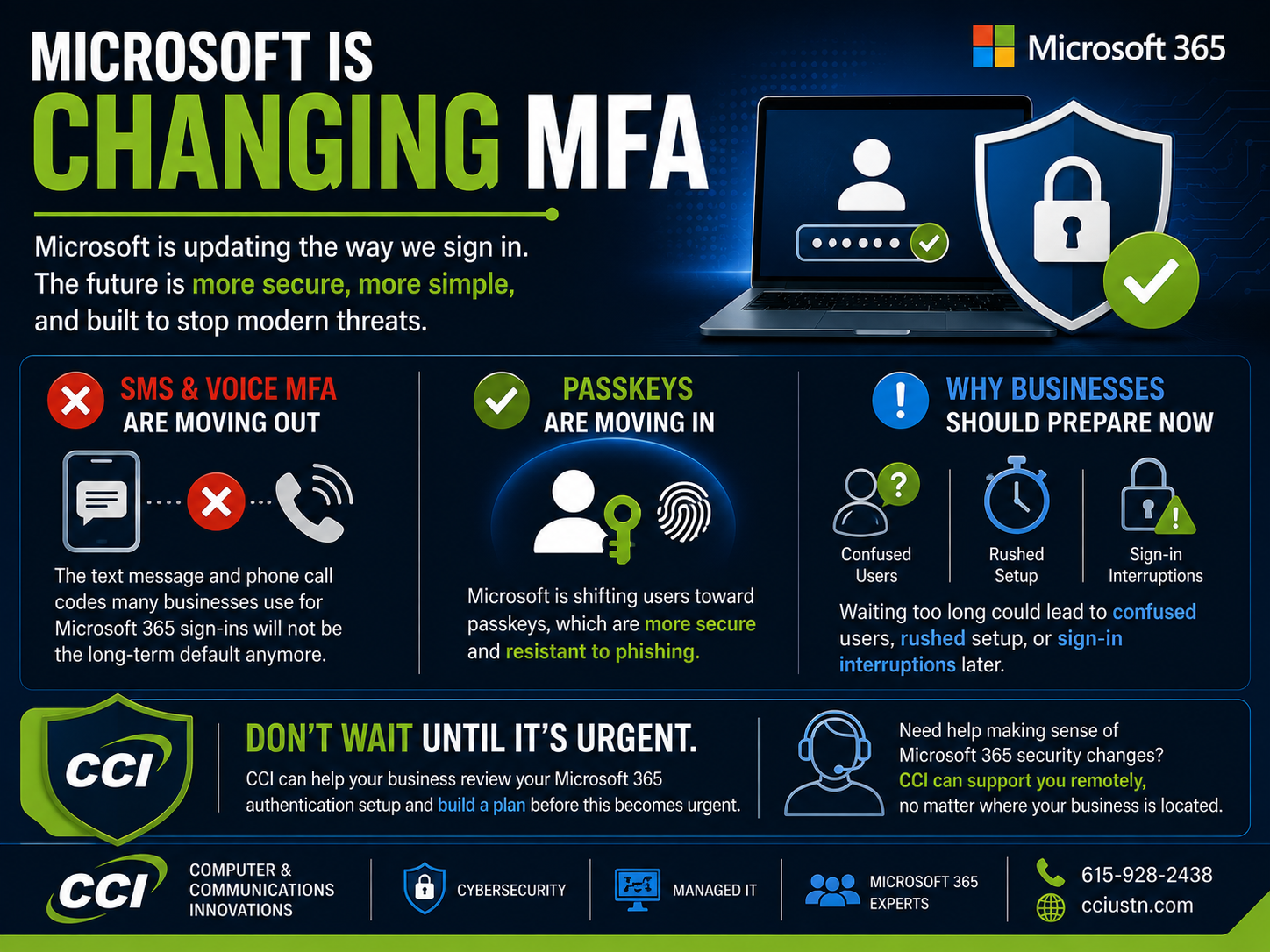
Microsoft is changing how businesses protect user sign-ins.
For years, many companies have relied on text messages or phone calls as part of multi-factor authentication, also called MFA. You log in, Microsoft sends a code by text or voice call, and you use that code to prove it is really you.
That process is familiar, but it is not the strongest option anymore.
Microsoft is now moving organizations toward passkeys, a more secure sign-in method designed to reduce phishing risk and protect accounts more effectively. Starting September 1, 2026, passkeys become the default authentication experience for users who are still enabled for SMS or voice. Then, beginning February 1, 2027, Microsoft-provided SMS and voice delivery will be retired in Microsoft Entra ID.
That may sound technical, so let’s simplify it.
What Is Changing?
Microsoft is moving away from SMS and voice authentication because those methods are more vulnerable to phishing, SIM-swapping, and account takeover attempts.
Instead, Microsoft wants organizations to use phishing-resistant authentication methods such as:
Passkeys
Windows Hello for Business
FIDO2 security keys
Microsoft Authenticator passkeys
Other supported passwordless authentication methods
The major date businesses need to know is February 1, 2027. After that date, users whose only MFA method is SMS or voice may be blocked during sign-in until they register a passkey or move to another approved method.
In plain English: if your business waits too long, some users may not be able to sign in smoothly.
What Is a Passkey?
A passkey is a more secure way to sign in without relying on a text message code or phone call.
Instead of sending a temporary code that someone could steal, a passkey uses cryptographic security behind the scenes. The passkey is connected to a trusted device, credential manager, or security key.
That means attackers have a much harder time tricking a user into handing over login information.
A simple way to think of it is this:
A password or text code is something someone can steal.
A passkey is tied to something trusted.
That is why passkeys are considered phishing-resistant.
Why This Matters for Small Businesses
This change is not just for large companies or enterprise IT departments. Small and mid-sized businesses are affected too.
If your team uses Microsoft 365, Microsoft Entra ID, or Microsoft-managed MFA, this change could impact your users.
Here is where the problem usually shows up:
Employees still use text messages for MFA.
Some users rely on voice calls to sign in.
Nobody knows which authentication methods are active.
There is no rollout plan for passkeys.
Users are not prepared for the change.
Leadership assumes “Microsoft will just handle it.”
That last one can be risky.
Microsoft may enable passkey prompts automatically, but your business still needs a plan. Users need communication. Devices need to be ready. Admins need to know who is still using SMS or voice. And someone needs to make sure the transition does not turn into a helpdesk avalanche.
A Simple How-To Plan for Businesses
Here is a beginner-friendly way to approach the change.
Step 1: Find Out Who Still Uses SMS or Voice
Before making changes, your business needs to know who is still using SMS or voice authentication.
This is the discovery stage.
Your IT team or MSP should review your Microsoft Entra authentication methods and identify users who are still enabled for SMS or voice. This gives you a clear list of who needs to be moved before the deadline.
Without this step, you are guessing.
Step 2: Decide What Authentication Method Users Should Move To
For most businesses, the goal should be phishing-resistant authentication.
That may include passkeys, Windows Hello for Business, Microsoft Authenticator passkeys, or FIDO2 security keys.
The right choice depends on your users, devices, compliance needs, and how your business operates day to day.
Not every team needs the exact same setup. Office staff, field employees, executives, shared workstation users, and remote workers may all need slightly different guidance.
Step 3: Prepare the Environment
Before asking employees to register passkeys, make sure the technical setup is ready.
This may include checking Microsoft Entra settings, reviewing authentication policies, enabling passkey support, confirming device compatibility, and making sure admins understand the process.
This is where an MSP can save a lot of time.
A good MSP does not just flip a switch. They check the environment, plan the rollout, and help prevent avoidable sign-in problems.
Step 4: Communicate With Users Early
The user side matters just as much as the technical side.
Employees need to understand what is changing, why it matters, and what they need to do.
Do not wait until the deadline week to explain passkeys.
A simple communication plan should include:
An awareness message explaining the change
Step-by-step instructions for users
Reminder messages for anyone who has not completed registration
Support contact information if someone gets stuck
Clear communication reduces panic. It also reduces helpdesk tickets.
Step 5: Test With a Small Group First
Before rolling this out to everyone, start with a pilot group.
Choose a small mix of users: one or two office employees, someone remote, someone in leadership, and someone who is not especially technical.
This helps identify confusion points before the full company rollout.
If the pilot goes smoothly, expand the rollout in phases.
Step 6: Do Not Wait Until February 2027
The deadline may sound far away, but authentication changes take planning.
If your business waits until the last minute, you may run into:
User lockouts
Rushed support requests
Device compatibility issues
Confused employees
Delayed access to Microsoft 365
Emergency troubleshooting
This is exactly the kind of project that should be handled before it becomes urgent.
Why CCI Can Help
This is where CCI comes in.
You do not have to figure out Microsoft authentication changes alone. Whether your business is local or located somewhere else, CCI can support Microsoft 365 and security projects remotely.
That means your business does not need to be in the same building, city, or state to get help from a managed service provider.
CCI can assist with:
Microsoft 365 security reviews
Microsoft Entra authentication settings
Finding users still on SMS or voice MFA
Planning a passkey rollout
User communication planning
Remote support for setup and troubleshooting
Ongoing managed IT support
Cybersecurity guidance for small businesses
For many companies, this change is a good reminder that IT cannot just be reactive.
If your team only calls for help after something breaks, security changes like this can become stressful fast. An MSP helps your business plan ahead, stay compliant, reduce risk, and avoid last-minute surprises.
Final Thoughts
Microsoft’s move away from SMS and voice MFA is not just another tech update. It is a security shift.
Passkeys are designed to make sign-ins safer and reduce the risk of phishing-based account compromise. But businesses still need to prepare.
The simplest path is this:
Find who still uses SMS or voice.
Choose a stronger authentication method.
Prepare your Microsoft environment.
Communicate clearly with users.
Roll it out before the deadline.
Get expert help if needed.
If your business uses Microsoft 365 and you are not sure whether this affects you, now is the time to check.
CCI can help businesses prepare for this transition remotely, wherever they are located.
Learn more at Computer & Communication Innovations and let us help make Microsoft 365 security easier to understand, easier to manage, and easier to support.