
How to Roll Out MFA Without Frustrating Your Team
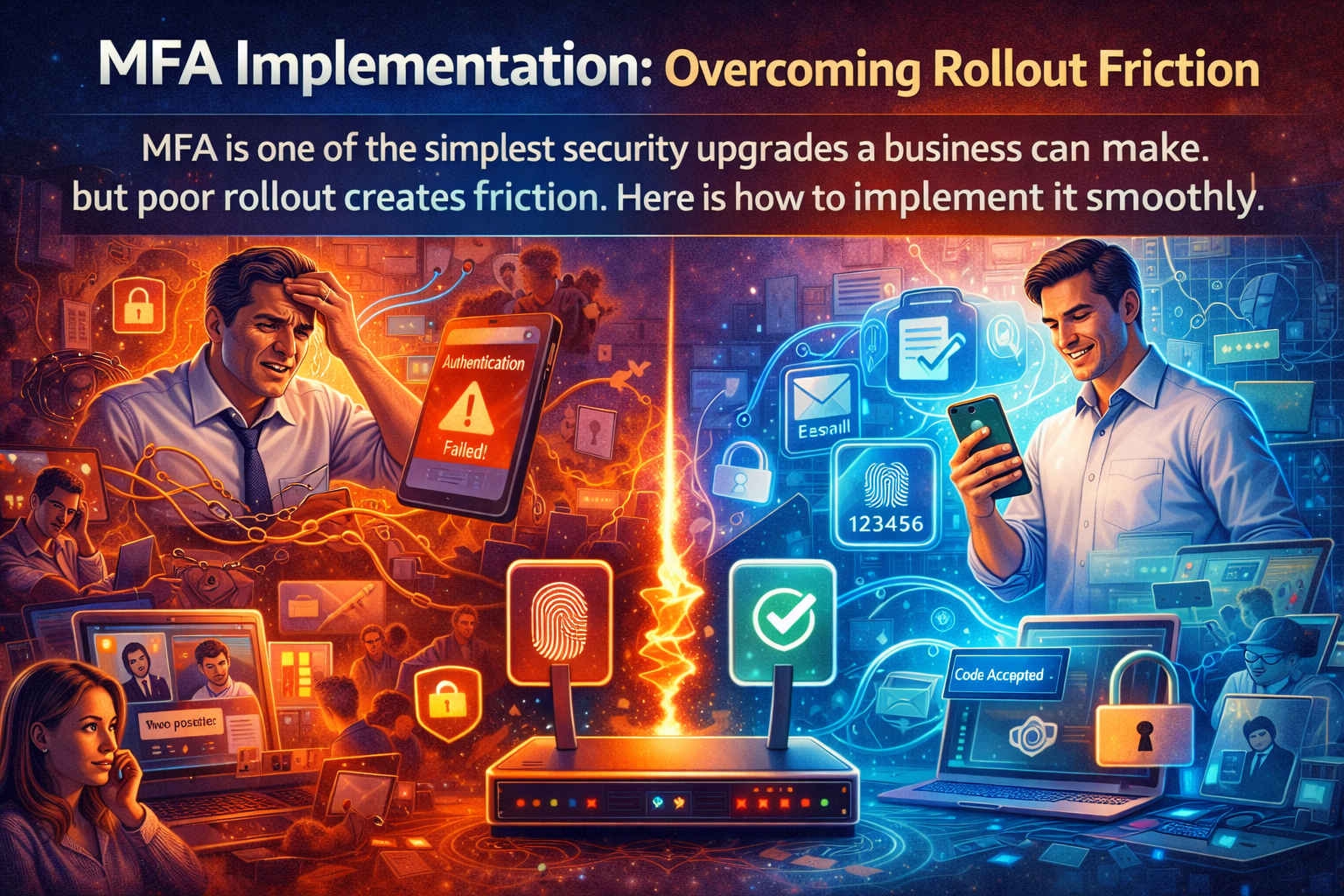
Multi-factor authentication is one of the highest-value security improvements most businesses can make. It helps protect accounts even when passwords are weak, reused, stolen, guessed, or phished.
So why do some teams treat MFA like a tax audit with push notifications?
Usually because the rollout was clumsy.
The issue is rarely the security principle. The issue is how it gets introduced. If users are surprised, undertrained, or left without a clear backup method, even a smart control can feel like sand in every gear.
The good news: MFA can be rolled out in a way that is practical, predictable, and much less annoying.
Start with the “Why,” Not Just the Mandate
Users cooperate better when they understand the purpose.
Do not lead with “IT is turning this on Friday.” Lead with a simple explanation:
Passwords are no longer enough by themselves
Account compromise often starts with email and identity access
MFA adds a second check that makes unauthorized access harder
The goal is to protect the company and the user
Keep the language plain. No need to sound like a security textbook that swallowed a law firm.
Choose Methods That Fit the Team
Not all MFA experiences feel the same.
A good rollout considers:
Whether employees have company phones, personal phones, or desk-only workflows
Whether some users travel often
Whether frontline staff have limited access to mobile devices during the day
Whether executives, shared workstations, or specialized roles need alternate methods
The best technical option on paper is not always the best operational option for your environment. Security controls should raise protection without turning daily work into a scavenger hunt.
Pilot Before You Push Company-Wide
A small pilot group catches friction early.
Choose a mix of users:
Office staff
Remote workers
Mobile-heavy users
Leadership
Anyone likely to generate useful complaints before the full launch
A pilot helps you answer the practical questions:
Are users receiving prompts at the right times?
Is enrollment simple?
Are there gaps for shared devices?
Are backup methods clear?
Do instructions make sense to nontechnical staff?
You want the weird edges to show up before everyone is affected.
Make Enrollment Stupidly Clear
Most MFA pain comes from uncertainty, not from the extra tap.
Create a short, visual setup guide with:
What to expect
What app or method to use
How long setup should take
What to do if something fails
Who to contact for help
If people need to decode a vague email and improvise the rest, support tickets will breed like rabbits in a rain barrel.
Give People a Backup Path
Phones get replaced. Apps get deleted. Devices die at the worst possible moment. People forget what they configured six months ago.
Every MFA rollout needs a recovery plan that users actually understand.
That includes:
approved backup methods
a clear help process
documented identity verification for resets
special handling for leadership or critical accounts
The goal is not only to secure access. It is to recover access safely when life gets messy.
Time the Rollout Like an Adult
Avoid launching MFA:
Right before payroll
During a busy season
On a Monday morning chaos carousel
While another major system change is happening
Pick a window where support is available and users can ask questions without feeling rushed. A good rollout is part communication plan, part technical deployment.
Expect a Short Adjustment Period
Even a clean rollout may trigger a little grumbling. That is normal.
What matters is whether the friction fades quickly. When MFA is deployed well, most teams adjust fast because the process becomes familiar.
You can reduce friction further by:
Minimizing unnecessary prompts
Using sensible session policies
Avoiding duplicate MFA experiences across overlapping tools when possible
Documenting the approved workflow once and keeping it consistent
People resent confusion more than security.
MFA Is Strongest When It Is Part of a Bigger Identity Plan
MFA helps a lot, but it works best alongside other basics:
Strong account hygiene
Prompt offboarding
Least-privilege access
Secure password management
Awareness training
Monitoring for suspicious sign-ins
Think of MFA as a very good lock, not the entire building.
Security That People Can Live With Gets Adopted
The best security control is not the one that looks the most impressive in a slide deck. It is the one that protects the business and survives contact with normal human behavior.
If MFA rollout has been delayed because you are worried about user frustration, that concern is real, but manageable. With the right planning, communication, and support, MFA can feel less like a barrier and more like a quick safety check.
CCI helps businesses implement practical identity protection without creating unnecessary disruption. Because security should reduce risk, not generate a new storm cloud over the helpdesk.
📞 Call: 615-928-2438
🌐 Visit: www.cciustn.com