
Still Using Windows 10 at Your Business? It’s Time to Check Your PCs
Still Using Windows 10 at Your Business? It’s Time to Check Your PCs
If the computer turns on and everything works, it is easy to assume everything is fine.
That assumption can become dangerous when it comes to an outdated operating system.
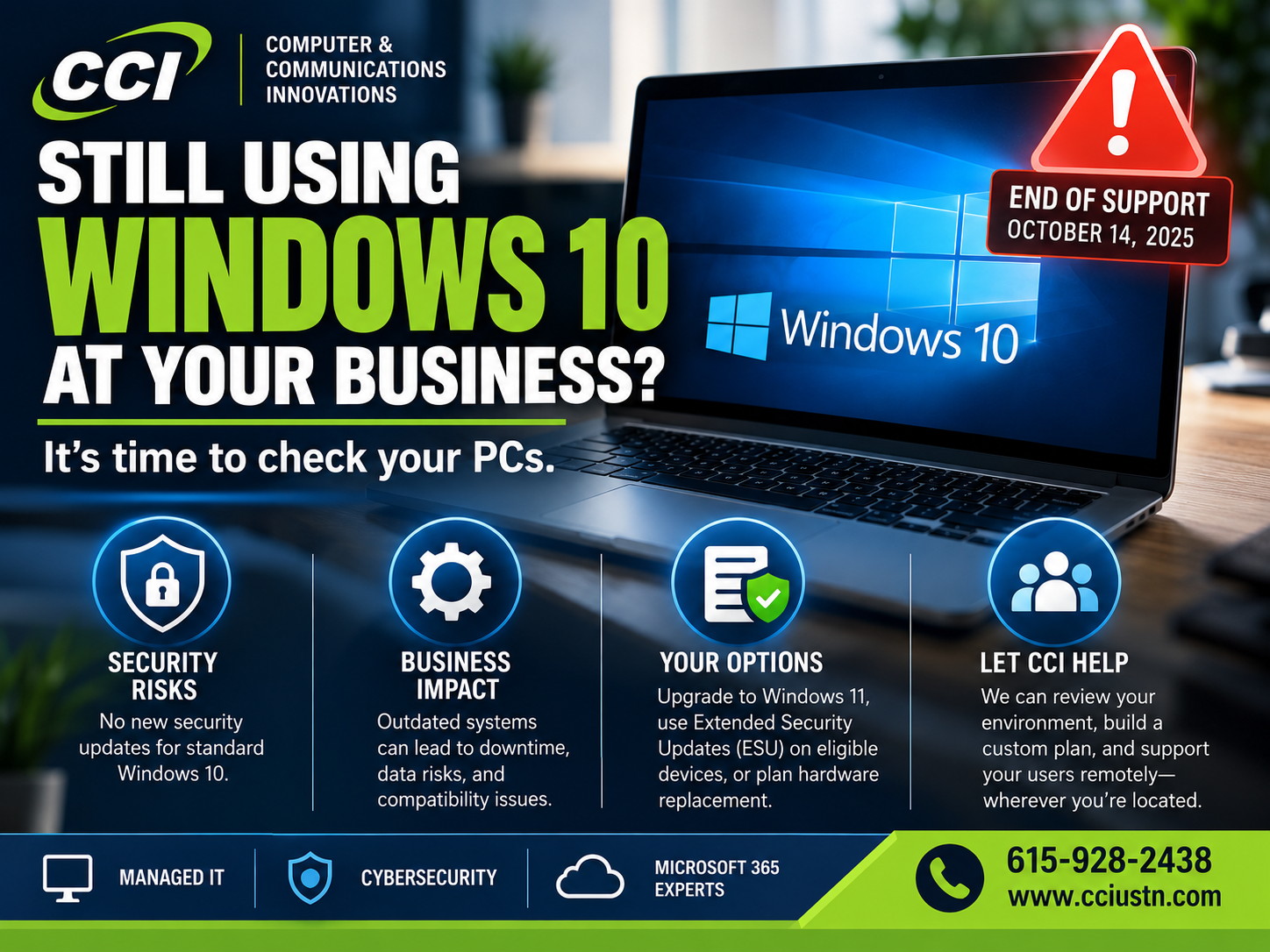
Microsoft officially ended standard support for Windows 10 on October 14, 2025.
That does not mean Windows 10 computers suddenly stopped working.
They can still turn on. Your programs may still open. Your printer may still print. Your employees may not notice anything different at all.
The important change is happening behind the scenes.
Microsoft no longer provides normal Windows 10 support, feature updates, or free security updates for standard Windows 10 installations. Businesses that need additional time can use Microsoft's Extended Security Updates program on eligible devices while transitioning away from Windows 10.
Why Should a Business Owner Care?
Think of an operating system like the foundation of a building.
You might have great locks, cameras, and an alarm system, but if the foundation develops a problem and nobody maintains it, eventually you have a bigger issue.
Security updates work in a similar way.
New vulnerabilities are discovered constantly. Supported operating systems receive patches designed to fix those vulnerabilities.
When an operating system reaches end of support, that normal safety net changes.
And for a business computer that may contain customer information, email, financial records, passwords, company files, or access to cloud applications, that deserves attention.
"But My Windows 10 Computer Works Fine."
It very well may.
The question is no longer simply:
Does the computer work?
The better question is:
Is this computer still receiving the security protection our business expects it to receive?
Those are two very different things.
What Is Windows 10 ESU?
ESU stands for Extended Security Updates.
Microsoft created the ESU program to give eligible organizations additional time to transition away from Windows 10.
Think of it as a bridge — not a permanent destination.
For eligible commercial Windows 10 devices, ESU can continue providing critical and important security updates. It does not restore Windows 10 to normal support and does not provide new features or regular technical support. Microsoft Support
Microsoft released another Windows 10 ESU licensing preparation package on September 8, 2026. Importantly, installing that preparation package alone does not enroll a computer in ESU; the enrollment process still has to be completed.
What Should Business Owners Do?
Keep it simple.
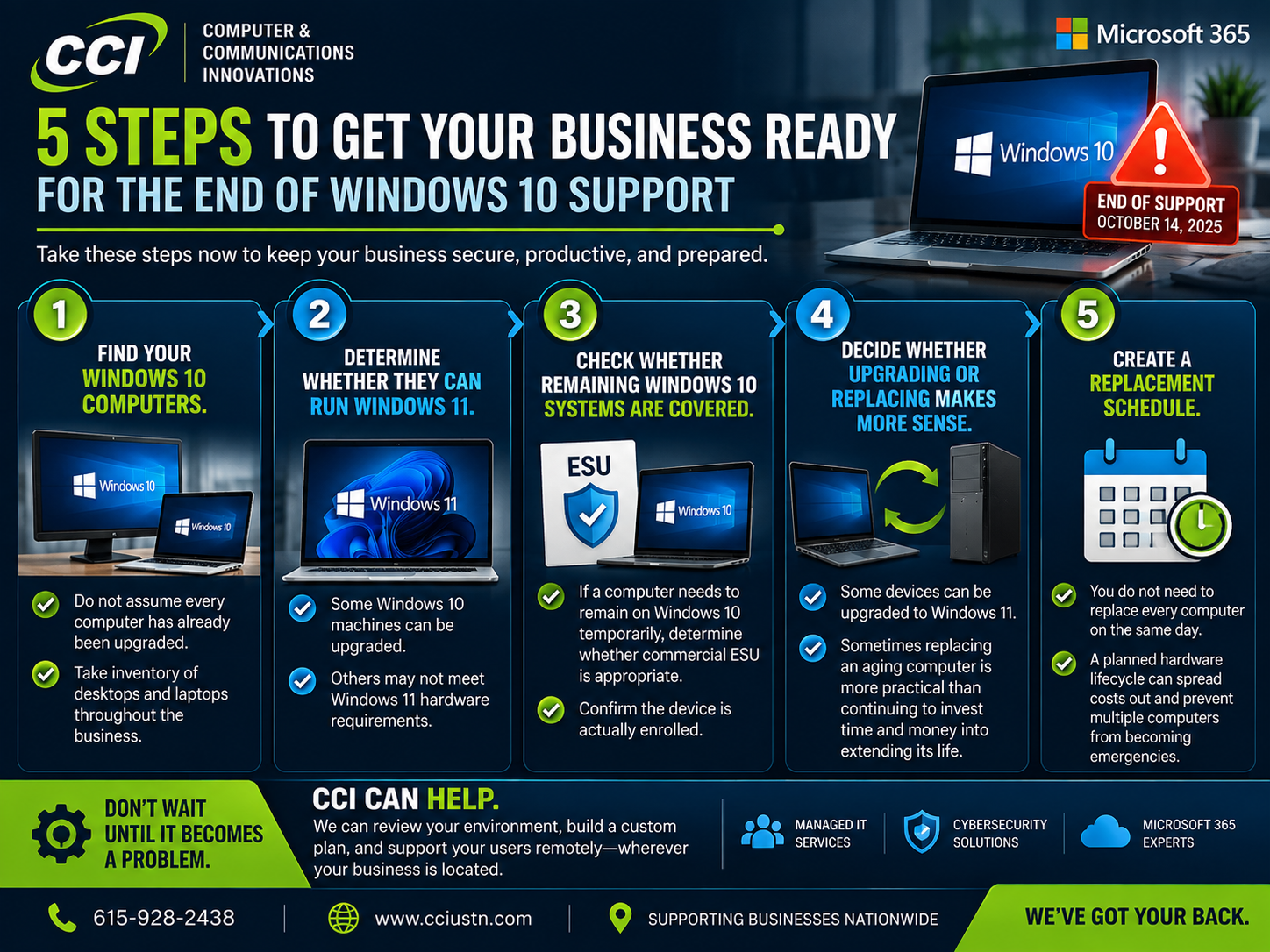
Step 1: Find your Windows 10 computers.
Do not assume every computer has already been upgraded.
Take inventory of desktops and laptops throughout the business.
Step 2: Determine whether they can run Windows 11.
Some Windows 10 machines can be upgraded.
Others may not meet Windows 11 hardware requirements.
Step 3: Check whether any remaining Windows 10 systems are properly covered.
If a computer needs to remain on Windows 10 temporarily, determine whether commercial ESU is appropriate and confirm that the device is actually enrolled.
Step 4: Decide whether upgrading or replacing makes more sense.
Sometimes replacing an aging computer is more practical than continuing to invest time and money into extending its life.
Step 5: Create a replacement schedule.
You do not necessarily need to replace every computer on the same day.
A planned hardware lifecycle can spread costs out and prevent five computers from becoming emergencies at the same time.
One More Windows Issue Businesses Should Know About
Microsoft has also been updating Secure Boot certificates because certificates used by many Windows devices began expiring in June 2026.
Microsoft says newer certificates are being deployed through Windows Update across supported PCs and non-managed business devices. Microsoft Support
This is another good reason businesses should not treat Windows updates as an afterthought.
This Is Where Having an MSP Helps
Most business owners did not start their companies because they wanted to monitor operating-system lifecycles, security patches, hardware compatibility, Microsoft updates, and device inventories.
That is our job.
A managed service provider can help keep track of:
Windows versions
Device age
Security updates
Hardware health
Microsoft 365
Backups
Cybersecurity
User accounts
Network equipment
Technology replacement planning
Instead of discovering an outdated computer when something goes wrong, you can know about it ahead of time.
And you do not have to be located near CCI.
Many IT management, monitoring, Microsoft 365, cybersecurity, and support services can be handled remotely.
Final Thoughts
If your business still has Windows 10 computers, do not panic.
But do not ignore them either.
Find out what you have.
Determine what is protected.
Upgrade what makes sense.
Replace what needs replacing.
And make a plan for everything else.
Not sure what is hiding on your network? CCI can help you figure it out. Learn more at Computer & Communication Innovations