
How to Onboard New Employees Without Opening Security Gaps
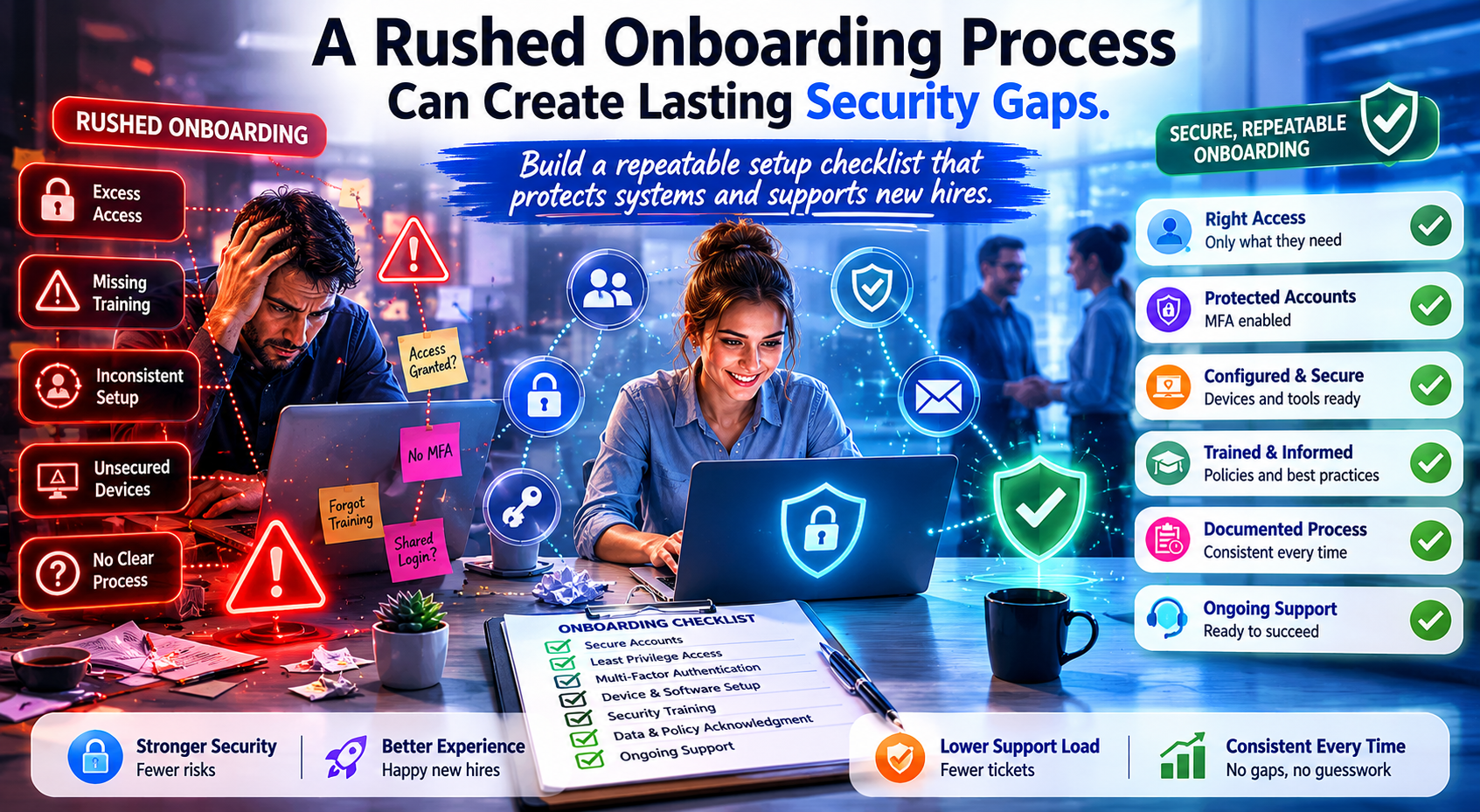
New-hire onboarding should feel organized, welcoming, and fast.
Too often, it feels like a relay race where one person orders the laptop, someone else creates an email account, another person forgets the security setup, and the new employee spends day one waiting for access while the helpdesk tries to guess what was supposed to happen.
That is inefficient. It is also risky.
Most onboarding-related security gaps do not come from advanced attacks. They come from rushed process, unclear ownership, and inconsistent setup.
Why Onboarding Is a Security Issue
Every new employee brings a bundle of decisions:
what accounts they need
what data they can access
what device they will use
whether MFA is enforced
whether endpoint protection is installed
whether role-based permissions are documented
whether mobile access is allowed
whether managers approved the right level of access
If these steps happen inconsistently, the business ends up with two problems at once: poor first-day experience and long-term access drift.
Start with a Standard Checklist
The single best onboarding improvement most businesses can make is a standardized checklist.
That checklist should cover:
Account Setup
email
core apps
line-of-business systems
shared drive or SharePoint access
communication tools
Security Controls
MFA enrollment
password manager setup if used
endpoint protection confirmation
encryption verification where appropriate
mobile device management if applicable
Device Preparation
device assigned
updates completed
required software installed
browser and profile setup
printer or dock configuration if needed
Role Review
manager approval for access level
admin rights avoided unless justified
access to shared resources mapped to role, not habit
A checklist turns onboarding from improvisation into process.
Define Ownership Before the Hire Starts
A lot of onboarding trouble comes from unclear responsibility.
Who orders equipment? Who approves access? Who builds the account? Who enrolls MFA? Who confirms the user is fully ready?
If nobody owns those decisions clearly, tasks fall between chairs.
The smoothest onboarding flows have obvious responsibility across HR, management, and IT. Everyone knows their part, and the handoff points are documented.
Build for the First Day, Not the First Month
New hires should not spend day one waiting for passwords, missing key apps, or discovering the laptop still thinks it belongs to someone else from three fiscal years ago.
Preparation before start date matters because it sets the tone for both productivity and security.
A first-day-ready user should have:
the right hardware
the right credentials
the right permissions
the right security prompts
the right communication tools
a clear path for support
That is not just professionalism. It is operational maturity.
Resist the Temptation to Over-Grant Access
When onboarding is rushed, businesses often give broad access “just to get them started.”
That shortcut becomes a long-term problem fast.
Role-based access is healthier than convenience-based access. The goal is to give employees what they need now, with a clear process to request more later if appropriate.
This reduces risk and makes future cleanup easier.
Do Not Forget Mobile and Remote Realities
If users work from phones, tablets, or home networks, onboarding should account for that from the start.
Questions to settle early:
Can company email be accessed on personal devices?
Is MDM required?
What apps are approved for mobile use?
How is remote access secured?
What support is available if the employee is not onsite?
These decisions should not be invented ad hoc on the employee’s second day.
Offboarding Starts with Better Onboarding
It may sound backward, but good onboarding makes future offboarding cleaner.
When access is documented, device assignment is recorded, and accounts are tied to role and approval, it becomes far easier to remove access later without guessing what the person had.
That matters a lot more than businesses think.
Process Protects People
Secure onboarding is not about making the first week harder. It is about making the first week smoother while reducing long-term risk.
Employees should feel prepared, not blocked. Managers should feel confident, not surprised. IT should feel organized, not ambushed.
CCI helps businesses build onboarding processes that combine speed, consistency, and security. Because when a new employee joins the team, the setup should feel less like a scavenger hunt and more like a solid first impression.