
Website Hosting Red Flags That Quietly Cost You Leads
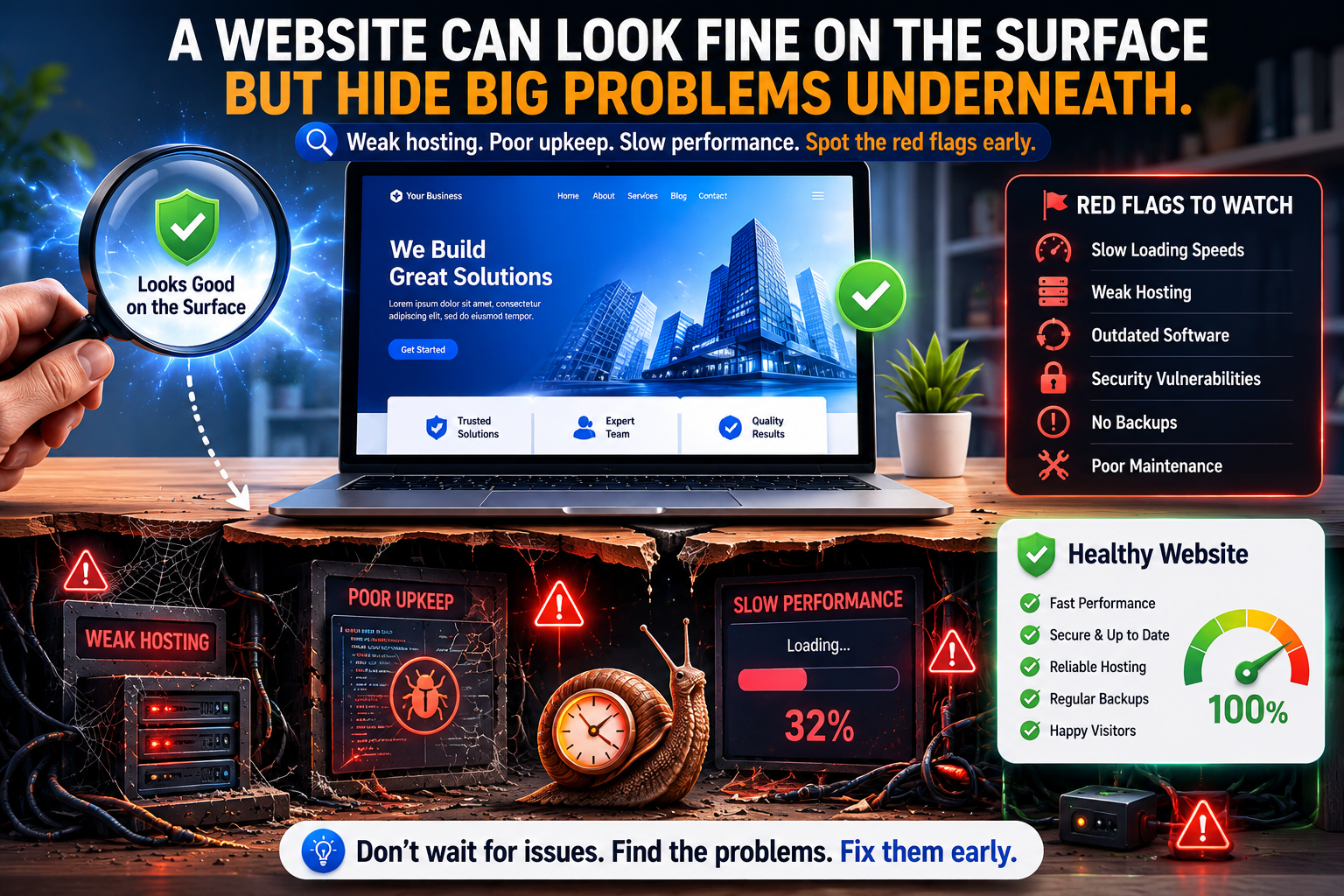
A business website does not have to go fully offline to start underperforming.
Sometimes the trouble is quieter than that.
Pages load just slowly enough to feel clunky. Forms work most of the time. Updates lag. Security maintenance is inconsistent. Nobody is fully sure who manages the domain, the hosting account, the plugins, the DNS, or the contact form notifications. On the surface, the site is alive. Underneath, it is running on crossed fingers and leftover credentials.
That kind of weak foundation costs leads in a way many businesses never measure clearly.
Red Flag 1: Nobody Really Owns the Full Stack
One of the most common website problems is ownership confusion.
Who controls:
the domain registrar
DNS settings
hosting account
SSL certificate
CMS updates
form delivery
analytics
backups
content changes
If the answers are scattered across former employees, old vendors, personal email addresses, or undocumented accounts, the website is already a little fragile even if it currently looks fine.
Red Flag 2: The Site Is “Up,” but Performance Is Not Great
Many businesses only notice the website when it is totally down. But slow performance can do damage long before outright downtime appears.
Visitors do not usually file formal complaints. They just bounce.
Performance issues can come from:
low-quality hosting
oversized images
poor caching
unnecessary scripts
outdated themes or plugins
weak maintenance discipline
A site that drags feels less trustworthy, less polished, and less likely to convert.
Red Flag 3: Security and Updates Depend on Memory
If updates happen only when somebody remembers, that is not a process. That is wishful gardening.
Websites need ongoing care:
platform updates
plugin or extension updates
security review
backup checks
form testing
content upkeep
broken link cleanup
Neglect does not always explode immediately. Sometimes it just accumulates risk like dust inside a server closet.
Red Flag 4: Contact Forms Are Treated Like Magic
Forms are often the quiet heroes of lead generation. They are also frequently ignored until they stop working.
Businesses should know:
where form submissions go
who monitors them
whether notifications are being delivered reliably
how spam is being controlled
whether the form is tested regularly
If a form fails silently, the business may lose leads for weeks before anyone realizes it.
Red Flag 5: The Site Doesn’t Reflect the Business Anymore
Hosting and maintenance are not only technical issues. They also affect trust.
If the site still describes old services, outdated staff, expired promotions, broken portfolio links, or stale location details, visitors notice. Maybe not consciously, but they notice.
A well-maintained site should reinforce confidence. An outdated one introduces quiet hesitation.
Red Flag 6: Backups Exist in Theory, Not Practice
Just like with other systems, the phrase “we have backups” is only comforting if someone can answer:
where they are stored
how often they run
who can access them
how restoration works
when the last recovery test happened
A website recovery plan should be more than optimism in a polo shirt.
Red Flag 7: There Is No Clear Plan for Content and SEO Upkeep
A business site is not a one-time brochure anymore. It performs best when there is a rhythm for updates, new content, service refinement, and technical review.
Without that rhythm, even a decent-looking site can gradually fall behind in relevance, search visibility, and conversion quality.
What Healthy Website Support Looks Like
A solid hosting and maintenance plan usually includes:
reliable hosting
SSL and DNS oversight
software updates
routine backups
uptime awareness
speed optimization
form testing
security review
content support
a real human contact when something needs attention
That last part matters. When websites affect lead flow, “submit a generic support ticket and hope” is not a strategy.
Your Website Is Part Infrastructure, Part Sales Tool
Many businesses treat the website as a marketing asset only. It is that, but it is also operational infrastructure. If customers cannot trust it, navigate it, or reach you through it reliably, the business feels less dependable before the conversation even starts.
CCI helps businesses strengthen website foundations with practical hosting, maintenance, performance, and support planning. Because a site should not merely exist. It should load well, stay healthy, and help the business win trust instead of quietly leaking it away.